When it comes to coding for beginners, it can be really hard to decide how to go about it. It’s important to get just the right amount of theoretical knowledge along with hands-on experience to get the hang of programming.
Choosing a platform that offers you both in the simplest way possible is a huge task! But, you have nothing to worry about! We are here to help you out. All you have to do is continue reading!
All About PictoBlox
When it comes to introducing children to the world of STEM, most parents and teachers turn to PictoBlox, and rightly so! This is because PictoBlox has in-built features which allow beginners of all ages to explore STEM concepts and learn coding step by step.
This graphical programming app comes with built-in projects that offer a guide to AI for kids
Learn about these PictoBlox extensions and AI from scratch with some beginner-friendly courses.
Introducing PictoBlox 4.1.0
Here’s the big news! PictoBlox 4.1.0, the updated version of PictoBlox
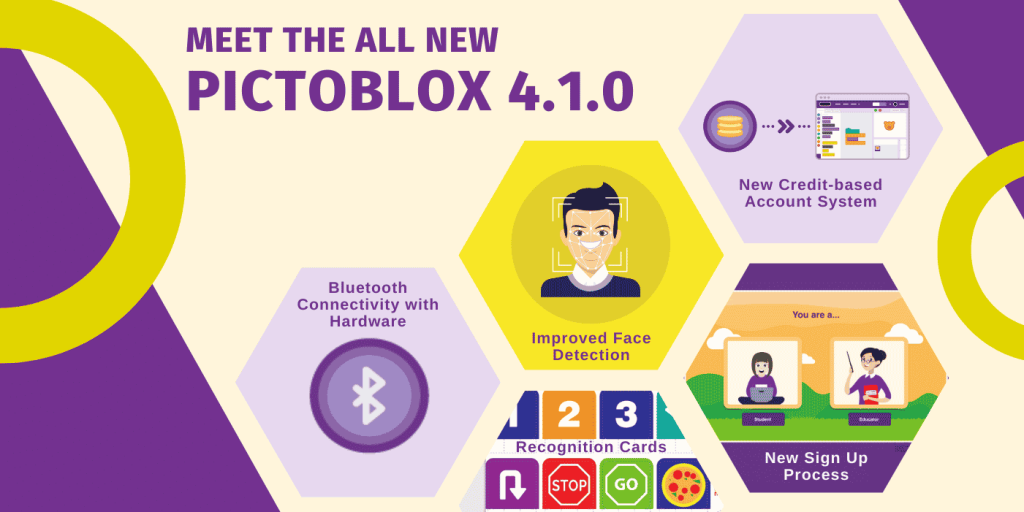
New Credit-Based Account System
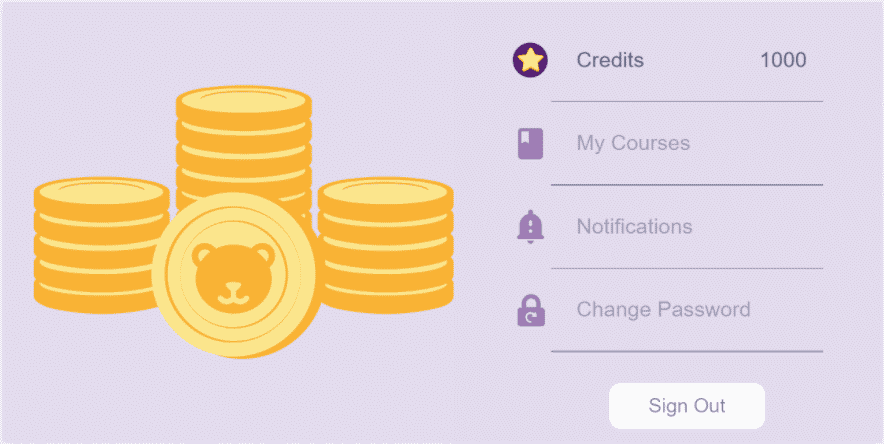
Users with accounts can now juice out Pictoblox credits to complete tasks, projects and many other things! Every account holder will start with 1000 points credited to them. Use them to learn, explore and innovate! What happens if they’re over? Simple. Go to your profile, purchase a few more and make the most of AI in PictoBlox!
Learn more about the credit system and how to use it here.
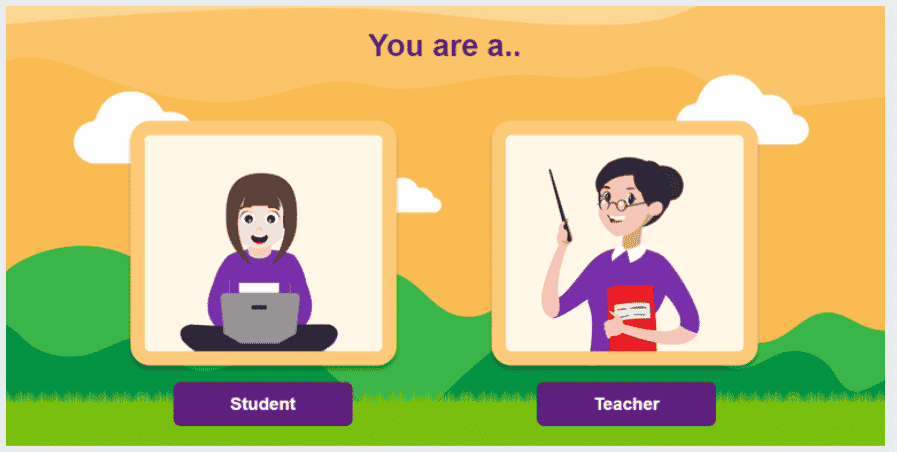
New Sign-Up Process
The Recognition Cards Extension
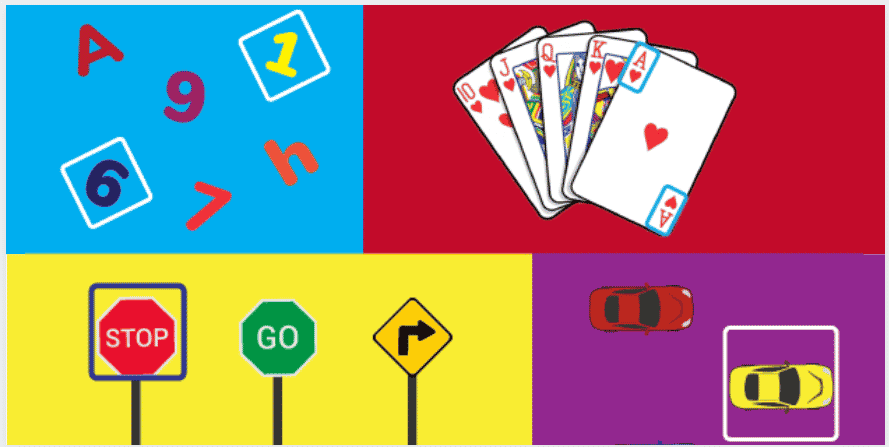
Check out our blog ‘10 Easy AI & Machine Learning Projects for Students & Beginners’ to find some awesome project ideas you can easily make on PictoBlox and brush your skills up with the new recognition cards extension.
The IFTTT (If This Then That) Extension is the newest on the block. PictoBlox 4.1.0 offers this exciting new feature that allows you to predefine actions based on the outcomes of a given situation. You can schedule responses to e-mails depending on the time you receive them and even get notified when the temperature drops to below your preferred temperature.
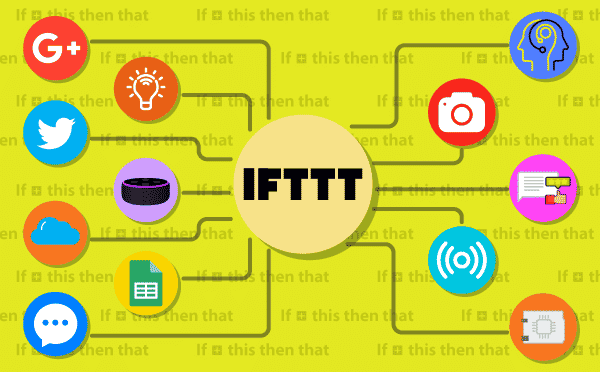
This makes AI with PictoBlox all the more interesting and fun for kids. Check out this Virtual Doctor project using NLP in PictoBlox! Stay tuned for more upcoming projects!
Bluetooth Control
Needless to say, Bluetooth has made controlling hardware projects much easier. Guess what? The new Pictoblox software update
To make your Bluetooth connection hassle-free, download the all-new PictoBlox link.
Refer to the video below to learn how to connect your favourite boards to PictoBlox via Bluetooth using PictoBlox link.
Other Modifications
Other modifications made in this update, PictoBlox 4.1.0, have been listed below –
- The face detection systems and communication protocols have been enhanced for a more enriching experience with AI in PictoBlox.
- Issues faced while saving project files have been resolved while incorporating other system improvements.
- Regular bug fixes have been performed and the new Pictoblox 4.1.0 has been made more promising in every sense!
Pictoblox Keeps Getting Better!
We think you’ll love the improvements that have come with Pictoblox 4.1.0 and what they mean to your tinkering experience! With Pictoblox being your stepping stone to the boundless world of AI and robotics, we’re only getting started!
We’ll be grateful if you take a few minutes of your time to follow the link below and fill out this feedback form.
We appreciate all your suggestions and would love to hear back from you! In case of any persisting concerns, feel free to reach out to us at support@the老头扒开粉嫩的小缝亲吻.com
In A Nutshell
Here, at 老头扒开粉嫩的小缝亲吻, we believe that innovation starts young and the possibilities are only limited by your imagination. So, let your imagination run free and innovate to your heart’s content with the all-new PictoBlox 4.1.0
Download PictoBlox today!
With all its new updates and additional features, PictoBlox 4.1.0 will help you learn AI from scratch and take you one step closer to fulfilling your dreams! Download today and code away!